


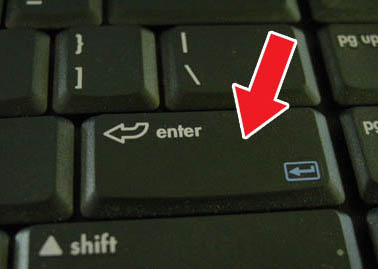
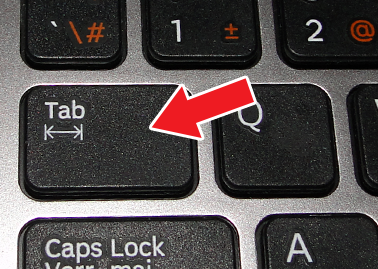
Before BikeCAD version 10.5, it was vital to hit the "Enter" or "Return" key after changing a dimension value in BikeCAD. In BikeCAD version 10.5, changes in dimensional fields are registered once the cursor leaves the input field. Therefore, it is now possible to tab between fields and know that each new dimensional value will register. Hitting Enter will also register the change. Consider using Enter when you want to experiment with different dimensions for a single input field.